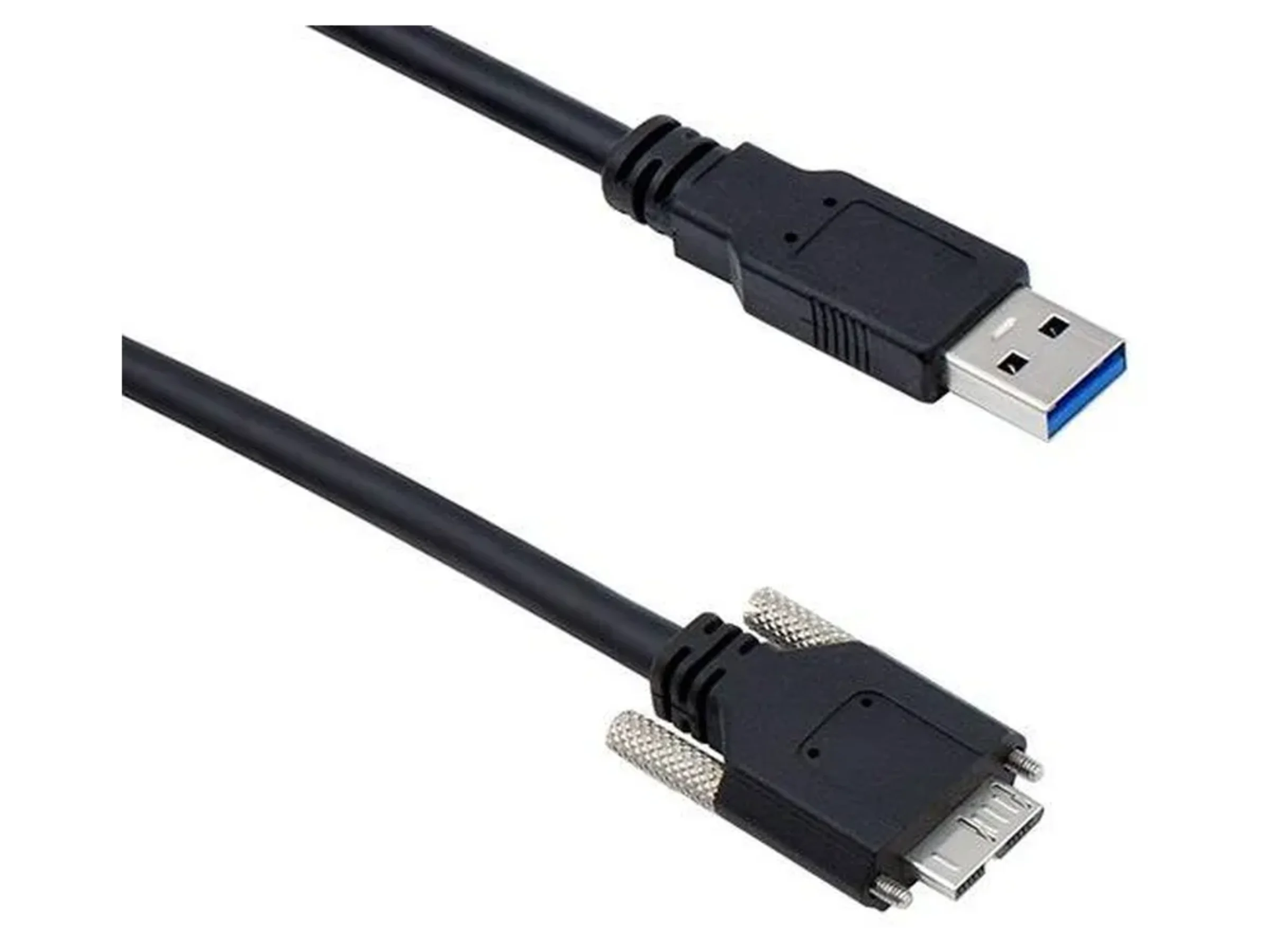
Understanding the Anatomy of USB Cables: How They Work
Understanding the anatomy of USB cables is essential for anyone looking to improve their tech know-how. At their core, USB (Universal Serial Bus) cables are designed to facilitate communication and power transfer between devices. These cables consist of multiple components including the connectors, the cable itself, and the smaller wires inside. Typically, a USB cable features four wires: two for power and two for data. The USB Type-C connector has emerged as a game-changer, providing a reversible design and supporting higher data transfer speeds as well as increased power delivery capabilities compared to its predecessors.
In terms of functionality, USB cables operate based on a simple principle: they allow devices to communicate with each other by transmitting digital data. Each connector—whether USB-A, USB-B, or USB-C—has specific roles, such as supplying power or facilitating data transfer. For instance, using a USB-C cable not only enables charging compatible devices but also supports video output and high-speed data transfer. Understanding these functionalities helps users choose the right cable for their needs, ensuring optimal performance and compatibility with various devices.
If you're looking to enhance your typing setup, consider investing in coiled keyboard cables. These cables not only provide flexibility and durability but also add a unique aesthetic to your workspace. To help you choose the best options available, check out our Top 10 Coiled Keyboard Cables, which review the finest choices on the market, featuring a range of styles and colors to suit your personal taste.
The Evolution of USB Connections: From A to C
The journey of USB connections has been remarkable since their inception in the late 1990s. Initially, the USB Type-A connector became ubiquitous for connecting peripherals such as keyboards and mice to computers. Over the years, various iterations, including USB 1.0, USB 2.0, and USB 3.0, offered faster data transfer rates and improved power delivery. However, as technology advanced and our devices became more power-hungry, the limitations of the USB Type-A connector became evident, leading to the development of newer, more versatile connectors.
The introduction of the USB Type-C connector marked a significant milestone in the evolution of USB technology. Launched in 2014, USB-C is not only reversible, meaning it can be plugged in either way, but it also supports higher power levels and faster data transfer rates, reaching up to 40 Gbps with USB 3.2. As a result, devices ranging from smartphones to laptops have embraced this new standard, promoting a more streamlined and convenient user experience. With the advent of USB-C, the future looks promising for connectivity, heralding an era of universal compatibility and enhanced performance.
Common Myths About USB Cables Debunked
When it comes to USB cables, several misconceptions often lead to confusion among users. One of the most prevalent myths is that all USB cables are created equal. In reality, there are various types of USB cables such as USB-A, USB-B, USB-C, and Micro-USB, each designed for specific purposes and offering different features. For instance, USB-C cables support faster charging and data transfer rates compared to their predecessors, making them a popular choice for modern devices. Another common myth is that using a longer USB cable will always decrease performance; while it's true that excessive length can result in signal degradation, well-engineered longer cables can function optimally without noticeable loss.
Another myth to debunk is the belief that third-party USB cables are inferior to original manufacturer cables. While it’s essential to choose reliable brands, many third-party cables are certified and tested to meet official standards, such as USB-IF certification. These cables can provide the same level of performance and reliability as original ones, and often at a lower price. Additionally, some users think that they should avoid using their USB cables for fast charging due to safety concerns. However, certified fast-charging USB cables, like USB-C, come equipped with built-in safety features that protect both devices during the charging process. Knowing the facts can help users make informed choices about their USB cables.